



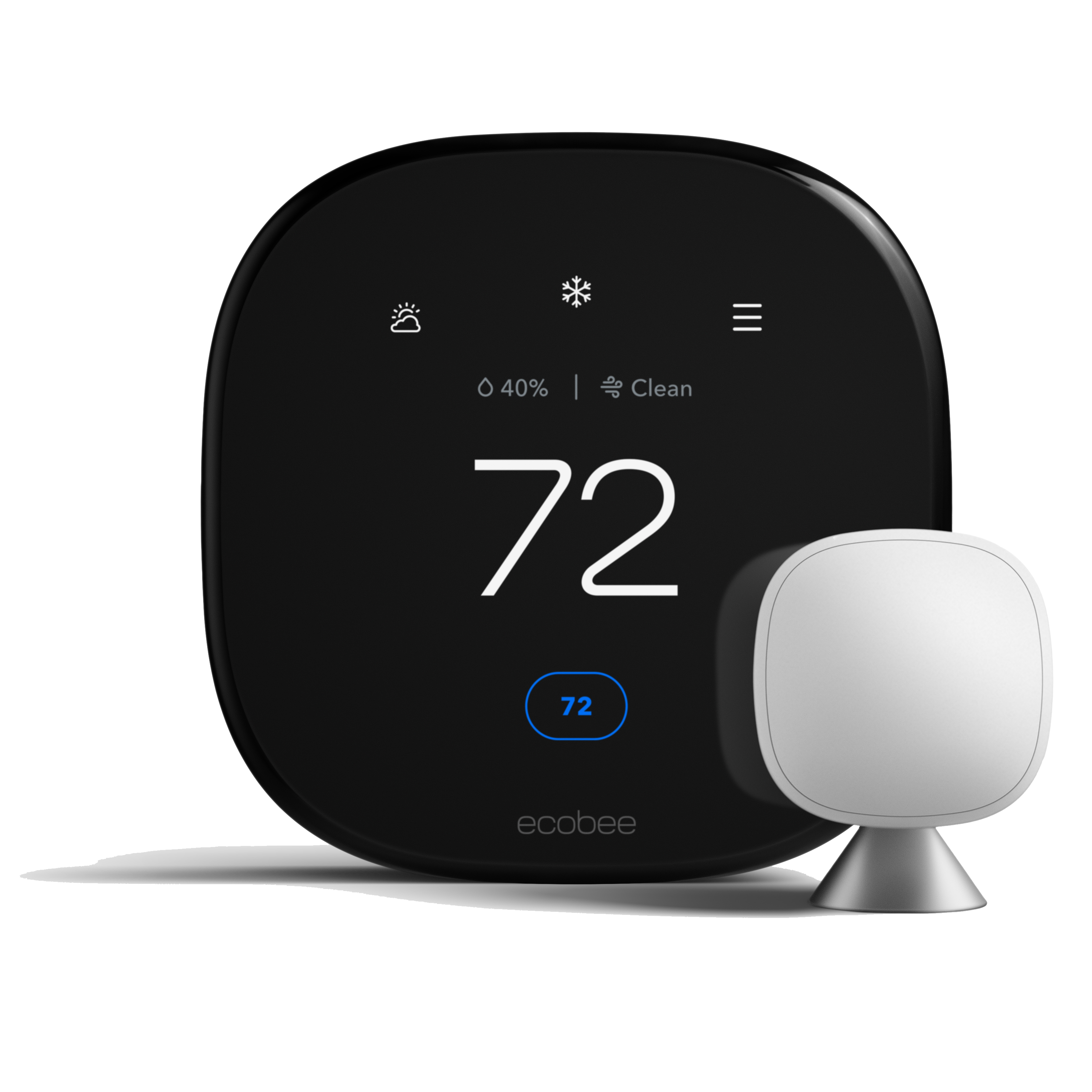
Smart home integration for HVAC systems can make it easier to manage heating and cooling schedules, review basic system status, and adjust comfort settings from a compatible device. The best setup is not necessarily the one with the most features. It is the one that works reliably with your existing equipment, is simple for everyone in the household to use, and supports safe day-to-day operation.
Start with your HVAC system, not the app
Before choosing a smart thermostat or control platform, identify the equipment you already have. A home may use a furnace, central air conditioner, heat pump, ductless system, boiler, zoning controls, humidifier, or ventilation equipment. Compatibility depends on the control wiring, the system configuration, and the capabilities of the specific product. A device that works well with one system may not be appropriate for another.
Ask a qualified HVAC professional to confirm compatibility when you are unsure. This is especially important for heat pumps, multi-stage equipment, dual-fuel configurations, zoned systems, and systems with separate humidity or ventilation controls. An incompatible control can lead to poor comfort, short cycling, or features that do not operate as expected.
Choose functions that solve a real household need
Useful smart-HVAC features often include scheduling, remote temperature adjustment, vacation settings, maintenance reminders, filter notifications, and alerts when the indoor temperature moves outside a chosen range. Consider which functions will actually help your household rather than selecting a device based only on its marketing claims.
- Scheduling: Set reasonable comfort schedules for times when the home is occupied or unoccupied.
- Remote access: Check or adjust an approved setting when you are away, such as before returning from a trip.
- System alerts: Use notifications as a prompt to investigate, not as a diagnosis of a mechanical problem.
- Household access: Decide who can change settings so that the system is not constantly overridden.
Use automation carefully
Automation can be helpful when it follows a clear comfort plan. For example, a schedule may reduce heating or cooling demand during predictable hours when the home is empty. However, frequent large temperature changes are not automatically better. Your system type, home insulation, weather, and comfort preferences all affect how it responds. If the home becomes uncomfortable, the equipment runs unusually often, or rooms no longer heat or cool evenly, review the settings and arrange service if the problem continues.
Smart controls should not be used to bypass safety features, force repeated system resets, or conceal an error message. If you notice unusual odours, repeated shutdowns, a carbon-monoxide alarm, a significant leak, or unsafe operation, follow appropriate safety guidance and seek qualified assistance instead of troubleshooting through an app.
Protect your network and account access
Because many smart controls connect to a home network, basic account and Wi-Fi security matter. Use a strong, unique password for the control account, enable multi-factor authentication if the manufacturer offers it, and keep the mobile app and control firmware updated. Review who has account access after a move, rental change, or household change. If you replace a router, remember to reconnect the thermostat or ask for help if the system cannot be brought back online.
Plan installation and configuration
A professional installation can be useful when wiring needs to be assessed, the existing thermostat has limited connections, or several comfort devices must work together. At the end of the installation, ask for a short walkthrough that covers normal temperature changes, schedules, basic alerts, and what to do if the device loses connection. Keep the manufacturer’s documentation available for future reference.
After configuration, monitor comfort for several days rather than assuming a new schedule is perfect immediately. Note rooms that are too warm or too cool, changes in humidity, unusual equipment cycling, and any alerts. Clear observations help a technician determine whether the issue is related to settings, airflow, equipment operation, or another part of the system.
Keep maintenance separate from automation
A smart thermostat can support awareness, but it does not replace regular HVAC maintenance or a professional diagnosis. Continue to follow the manufacturer’s care requirements and arrange seasonal service when appropriate. For ongoing maintenance options, review Aire One Peel’s protection and maintenance plans. If you would like help assessing thermostat compatibility or system controls, contact Aire One Peel to discuss your home’s existing equipment and comfort goals.